For Oʻahu homeowners

List your room
or guest house on Oʻahu.

Your extra space. Someone’s next home.

Show renters what makes your space work for everyday living. Share the details, choose how renters reach you, and submit your listing for Placyn review.

A private draft first. Published only after approval.

Already started? Return to your drafts
Listing previewIllustrative example
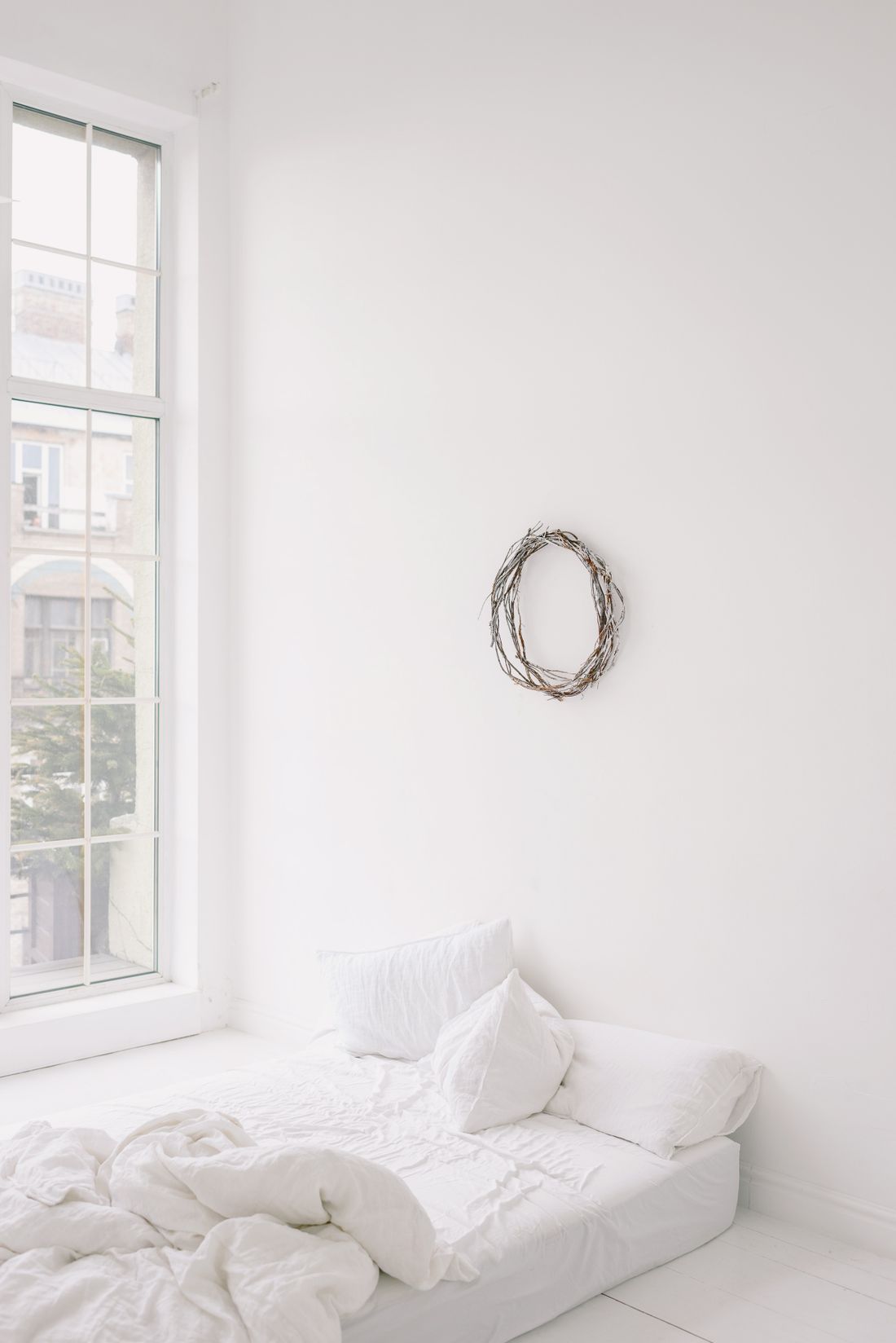
Sample bedroom with a white bed and a large window
Room in a shared home
$1,450 / month

A furnished room to settle into

Your Oʻahu neighborhood · Exact address withheld

  • Private bathroom
  • Shared kitchen
  • Utilities included
  • 1 parking space

Renters use the contact methods you choose.

Sample photo and details. This is not an available rental.

Built around Oʻahu

A dedicated place for owner-listed rooms and guest houses alongside Placyn’s rental search.

The details renters need

Make private spaces, shared amenities, parking, and utilities clear from the start.

Your contact choices

Choose what appears publicly and whether renters can message you privately.

Two kinds of space.
Details that fit each one.

A room in your home and a separate guest house tell different stories. Placyn’s listing questions follow the space you choose.

Room rental

Help renters picture shared living.

Explain what’s theirs and what’s shared: bathroom, kitchen, laundry, and living areas. Add furnishings, household pets, parking, and utility terms.

Browse rooms

Guest house rental

Show how the space stands on its own.

Describe the entrance, kitchen, bathroom, and laundry access. Include parking, utilities, outdoor features, and the guest house’s permit information.

Browse guest houses

From extra space
to a complete listing.

Start with a free owner account. Your draft stays private as you work through the details.

  1. Describe your space

    Choose a room or guest house, then add the location, monthly rent, availability, and rental terms.

  2. Add photos and contact choices

    Upload at least five current photos. Choose what renters can see and how they can reach you.

  3. Submit for review

    Check your details and send the listing to Placyn. Nothing goes public until it’s approved.

Start my listing

Before you start.

A few things owners ask about.

Read the listing rules
What can I list?
Placyn accepts long-term Oʻahu rooms in shared homes and permitted guest houses for review. You must be authorized to offer the space for rent. Read the owner listing rules before starting.
What should I have ready?
Have your rental terms, space details, contact preferences, and at least five clear, current photos ready. Portrait and landscape photos are accepted. Guest house owners should also have their permit information available.
Do I need an account?
Yes. Creating a Placyn owner account is free. We email you a secure sign-in link so you can prepare a private draft and return to it later.
Will my address and contact details be public?
Your draft stays private during review. After approval, renters can see the city and neighborhood. You choose whether to show the exact address, your name, and your phone number. Your account email stays private.
How will renters reach me?
You can enable private Placyn messages or publish your phone number. Choose your contact settings before submitting. You handle rental questions, showings, applications, and screening directly.
When does my listing go live?
Submitting sends your listing to Placyn for review. It becomes public only after approval, and Placyn may ask for changes. Review is a publishing check, not a guarantee of the property or its legal status.

Ready to share your space?

Start with the basics. Build your listing at your own pace.

Start my listing
Sample photography by Ksenia Chernaya / Pexels.
Have a room or guest house?Start my listing
List your room or guest house on Oʻahu · Placyn